Service · ongoing support
Web Apps, Mobile Apps (Android & iOS) & Custom Software
Custom web apps, mobile apps (Android & iOS), portals and integrations. Full source code ownership.
0162 8036 905
Fixed price after the consultation
Web apps
What's included
In many companies, daily operations still depend on overgrown spreadsheets, paper forms and email chains – or you need a dedicated mobile or web app for customers, field staff and internal workflows. I build custom web applications, mobile apps for Android and iOS, customer portals and API integrations. Hosted in Germany in full GDPR compliance, with 100% source code ownership. You work directly with me: a certified application developer (IHK) with five years of hands-on experience at Siemens AG.
Web apps & mobile apps for Android and iOS
I build fast web applications for the office and mobile apps for Android and iOS (for field teams, inspections, time tracking, bookings or customer service). Multiple users work simultaneously in the browser, on tablets or via smartphone app.
Customer, client and partner portals
Customers, partners or employees get their own secure portal on the web or as a mobile app: submit requests, track status live, and upload photos or documents straight from their phone.
API integrations with databases, ERP, CRM & DATEV
The software connects cleanly with your databases and existing tools: REST/GraphQL APIs, Microsoft 365 and Entra ID, DATEV, payment providers, ERP or CRM systems – eliminating manual copy-pasting.
Automated workflows, PDF exports & local AI
Recurring steps run automatically: approvals with push or email notifications, automated PDF reports and evaluations (like the survey web app built for Haus Phönix), plus optional local AI features.
GDPR-compliant hosting in Germany & 100% source code
Hosted in Germany or on your own server with role-based access control, encrypted connections and full handover of source code and documentation – no vendor lock-in.
Fixed price after the consultation
You know in advance what you'll get and what it costs. No timesheets, no surprises.
Web apps
Related references
Survey tool for Haus Phönix
Digital survey tool for the non-profit housing project's drug prevention work: anonymous, low-threshold and evaluated at the push of a button.
GDPR-compliant RAG system for BSU-Holding
Company-owned AI that searches documents and drafts quotes from them: contracts, service specifications and past quotes are indexed in-house, every answer cites its source – no company knowledge leaves the business.
Your contact
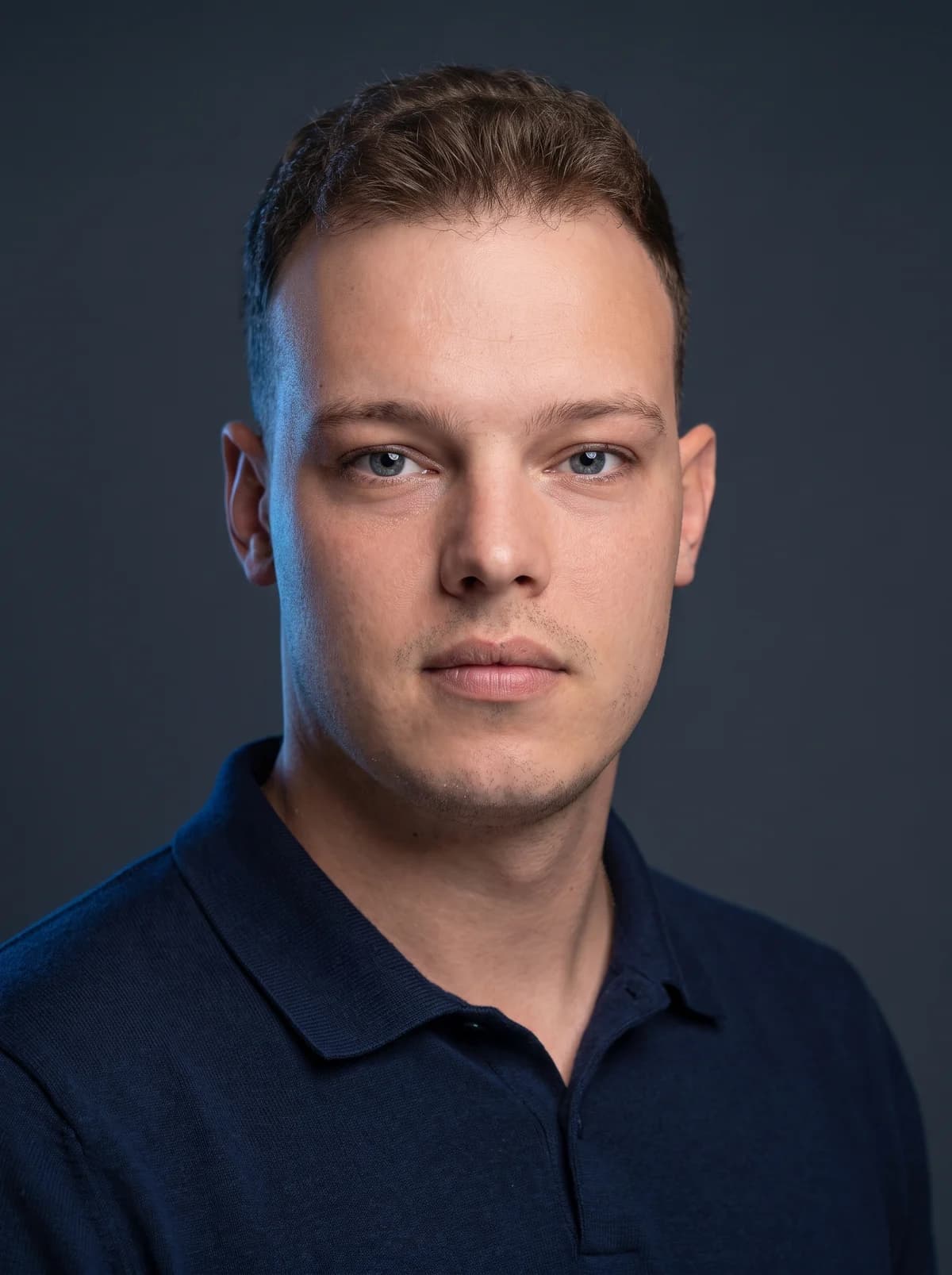
Markus Lindner, founder of Lindner Tech
- IT specialist for application development (IHK Berlin), final exam passed in 2026
- 2019–2024 at Siemens AG in Berlin: IT infrastructure, monitoring and automation
- Advice in German, Polish and English
- Remote or on site in Berlin & Brandenburg
You talk to me directly, from the first call to the finished job. No call centre, no ticket system.
Web apps
How it works
- Step 1 of 4
First call
In the free initial call we define what your web app or Android/iOS app needs to achieve. You then receive a fixed-price quote, split into clear milestones for larger builds.
- Step 2 of 4
Concept & clickable prototype
We define the data model, screens and user flow. Early on you test a clickable prototype on phone and desktop before heavy coding begins.
- Step 3 of 4
Iterative development
The application is built in short stages. After each stage you test a live version in the browser or on your phone, and your feedback flows straight into the next step.
- Step 4 of 4
Launch & handover
Deployment to your domain or Android/iOS rollout, data migration and full code documentation. Optional ongoing maintenance and feature updates on request.
Web apps
Frequently Asked Questions about Web & Mobile Apps
Your question isn't listed?
Call or send a short message. I'll get back to you within 24 hours on weekdays.
0162 8036 905How does a project work and how long does it take?
After the free first call we capture in a workshop what the software needs to do. Within a few weeks you see a clickable prototype; after that the software is built in short stages that you test and that go into daily use early. The total duration depends on the scope; you receive a binding schedule with the quote.
How much does custom software cost?
It depends on the scope, so there is no price list. After the first call you receive a fixed price for a clearly defined scope, per stage for larger projects. It often makes sense to start with a small prototype or the one process that costs the most time: you see the benefit before investing more.
Can you connect to our existing systems?
Yes, that is often the core of the project. Typical are Microsoft 365 and Entra ID (sign-in with your existing company account, calendars, SharePoint), handing data over to DATEV and connecting your ERP or CRM via its interface (API). Where there is no interface, structured imports and exports help. I check what is possible with your system before the quote.
Who owns the source code?
You do. You receive the complete source code, technical documentation and all credentials. The software is built on widely used open-source technologies so your own IT or another developer can take it over at any time. You are not tied to me.
Where does the software run? Is it GDPR-compliant?
Wherever you prefer: in a data centre in Germany or on your own server. The data stays in the EU, access is controlled through roles and permissions, and connections are encrypted. If I run the application for you, we sign a data processing agreement under Art. 28 GDPR.
Who takes care of maintenance after launch?
I do, if you like: updates, security patches, backups and small adjustments, with me as your fixed contact instead of a hotline. We plan new features together as further stages. Alternatively I hand the software over to your own IT, documentation included.
Your question isn't listed?
Call or send a short message. I'll get back to you within 24 hours on weekdays.
0162 8036 905Web apps
Does this fit your project?
Tell me briefly what it's about. I'll get back to you within 24 hours on weekdays, and after the consultation you get a fixed price.
Markus Lindner
Software Developer & Founder of Lindner Tech
You speak directly with the developer. No call centre, no agency middleman.
What happens next
You write or call
I get back to you within 24 hours on weekdays
A 15-minute call, no obligation, followed by a fixed-price quote
Prefer to call?
You'll reach me directly. If I'm in a meeting, I'll call you back promptly.
Free consultation
Three fields, one minute. I'll get back to you within 24 hours on weekdays.
Services
More services
- WebsitesGet a business website built at a fixed price: fast, mobile-first and visible on Google.
- Databases & Data AnalysisSQL databases instead of spreadsheet chaos, automated data pipelines and Python data analysis at a fixed price.
- Local AIAI that works on your own documents and stays in-house: GDPR-compliant and with sources cited.